
Stop Wasting Money on Paper Notebooks You’ll Never Reread
A digital reusable notebook lets you write by hand, scan your notes to the cloud, wipe the pages clean, and start over — again and again. No more stacks of paper. No more lost notes.
Here are the best digital reusable notebooks to buy right now:
| Notebook | Best For | Rating | Pages |
|---|---|---|---|
| Rocketbook Core | Everyday notes, students | 4.5/5 | 12-36 pages |
| Rocketbook Fusion | Planners, goal tracking | 4.5/5 | 42 pages |
| Rocketbook Pro 2.0 | Professionals, meetings | 4.3/5 | Swappable packs |
Here’s the problem most note-takers face: you fill up a notebook, shove it in a drawer, and never look at it again. Or worse — you lose it entirely.
Smart notebooks fix this. You write with a special erasable pen, scan the page with a free app, and your notes are instantly saved to Google Drive, Dropbox, Evernote, or wherever you work. Then you wipe the page with a damp cloth and it’s ready to go again.
The best part? One notebook can replace hundreds of sheets of paper. Environmental studies suggest that a single reusable notebook can save over 500 sheets of paper per year for the average user.
This guide covers the top models available, how they work, and which one is right for your needs.
What is a Digital Reusable Notebook and How Does It Work?
At its simplest, a digital reusable notebook is a physical notebook that bridges the gap between analog handwriting and digital storage. Unlike a standard spiral notebook from the grocery store, these pages are crafted from a specialized synthetic polyester blend. This material provides a smooth, premium writing surface that feels remarkably like paper but possesses the durability of plastic.
The “magic” happens through the interaction between this synthetic surface and thermochromic ink — specifically the Pilot FriXion line. When you write, the ink bonds to the synthetic page. However, because the surface is non-porous, the ink doesn’t “soak in.” This allows you to erase your work using a small amount of moisture or, in some specific models like the Rocketbook Wave, by applying heat in a microwave.
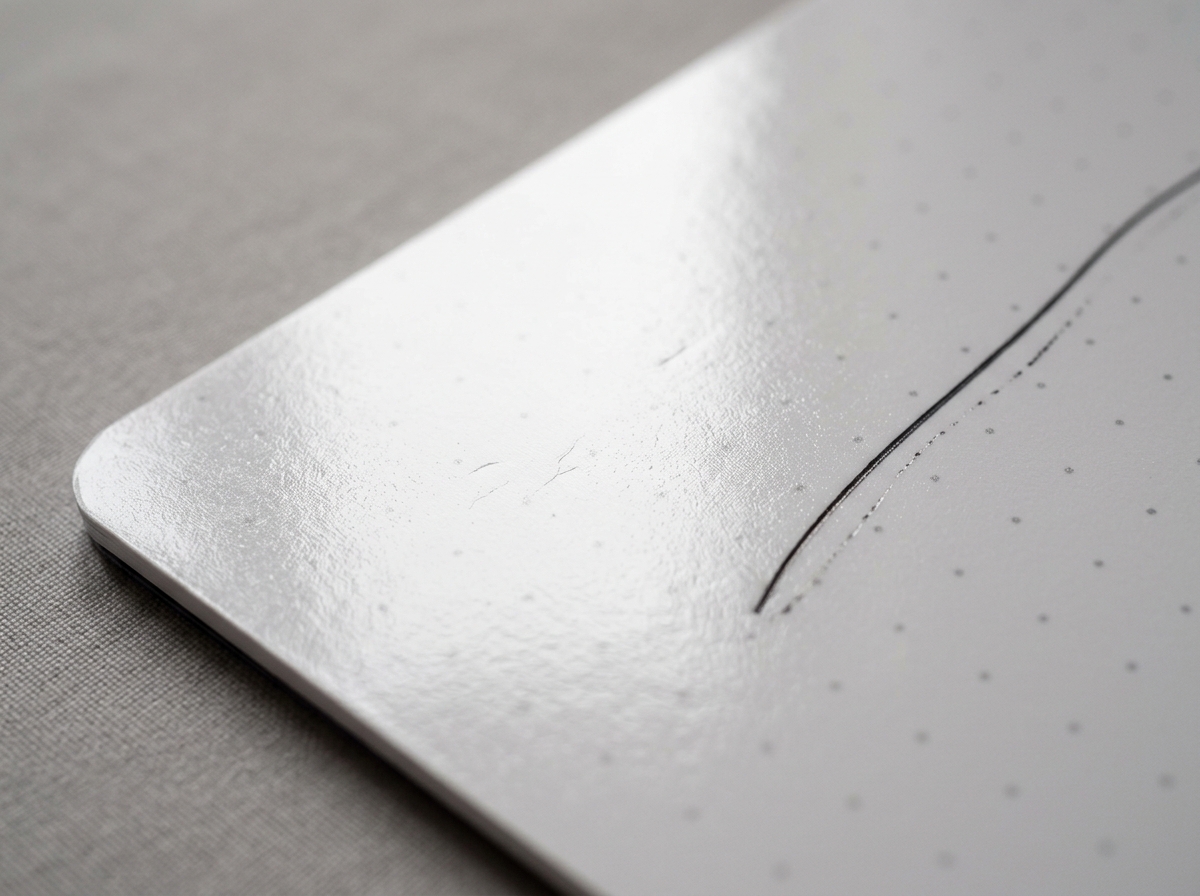
For most modern models, we recommend a simple moisture-based erasing method. By using a damp microfiber cloth, the ink lifts away entirely, leaving no “ghosting” or residue behind. This allows you to use the same thirty pages for years, effectively ending the cycle of buying and discarding paper. For a deeper dive into the mechanics of this process, check out our guide to erasing and reusing your smart notebook pages.
Beyond the environmental benefits, there is significant scientific evidence supporting the use of these tools. Research consistently shows that the physical act of handwriting improves memory retention and conceptual understanding compared to typing on a laptop. A digital reusable notebook offers the cognitive “win” of handwriting with the organizational “win” of a digital file system.
Top Features of Modern Smart Notebook Models
When we look at the landscape of smart notebooks, three primary models dominate the conversation: the Core, the Fusion, and the Pro. Each serves a distinct purpose depending on whether you are a student, a creative, or a corporate professional.
| Feature | Rocketbook Core | Rocketbook Fusion | Rocketbook Pro 2.0 |
|---|---|---|---|
| Primary Use | General Note-taking | Productivity & Planning | Professional/Executive |
| Page Layouts | Lined or Dot Grid | 7 Templates (Goal, Weekly, etc) | Swappable Page Packs |
| Cover Type | Scratch-resistant Poly | Scratch-resistant Poly | Premium Polyurethane |
| Binding | Side Spiral | Side Spiral | Lay-flat Magnetic |
| Special Features | Simple & Durable | All-in-one Planner | NFC Chip & Stylish |
One of the most appreciated design choices in modern models is the shift toward ambidextrous usability. For example, the Rocketbook Flip features a top-bound spiral, which is a total game-changer for left-handed writers who are tired of smudging ink or resting their wrists on uncomfortable plastic coils. Furthermore, the covers are typically made from a scratch-resistant material, ensuring the notebook looks as good in year three as it did on day one. You can learn more about these sustainable choices in our article exploring the best reusable notebooks for sustainability.
Productivity Layouts in a Digital Reusable Notebook
For those of us who live by our to-do lists, the Rocketbook Fusion is the gold standard. While the Core provides a blank canvas, the Fusion is packed with 42 pages featuring seven different styles. This includes:
- Weekly planners for scheduling.
- Monthly calendars for long-term vision.
- Goal trackers to keep you on the path to success.
- Project management layouts.
- Standard dot grid and lined pages for free-form notes.
This variety is especially helpful for academic success. We’ve seen that reusable notebooks for students help manage heavy course loads by keeping syllabi, lecture notes, and assignment trackers in one place without the bulk of five different binders.
Professional Design and Real-Time Syncing
If you spend your time in boardrooms rather than classrooms, the Rocketbook Pro (and the newer Pro 2.0) is designed to impress. It swaps the plastic spiral for a sleek, lay-flat magnetic binding and a premium polyurethane cover that looks right at home next to a high-end laptop.
The Pro model also introduces high-tech “quality of life” features like embedded NFC chips. You can program the chip to automatically open the Rocketbook app on your phone the moment you tap it. It also supports swappable page packs, allowing you to switch from a planner to a sketchbook in seconds. To get the most out of these high-end models, consider looking into innovative accessories for reusable notebooks like specialized pen holders or protective capsules.
How to Scan, Digitize, and Organize Your Notes
The hardware is only half the story. The true power of a digital reusable notebook lies in the companion app. We’ve moved far beyond simply “taking a photo” of a page.
The Rocketbook app uses sophisticated image recognition to find the borders of your page, crop out the background, and enhance the contrast so your handwriting pops. At the bottom of every page, you’ll find a row of seven symbols (like a diamond, a star, or an apple). In the app settings, you can assign each symbol to a specific destination.
For example:
- Mark the “Diamond” to send notes to a specific folder in Google Drive.
- Mark the “Apple” to blast a copy to your team’s Slack channel.
- Mark the “Star” to upload to Dropbox or Email.
Once you’ve marked your destination and scanned the page, the app’s Optical Character Recognition (OCR) technology goes to work. It can automatically name your file based on text written between double hashtags (e.g., ## Meeting Notes ##) and even transcribe your handwriting into a searchable digital text file. This is a cornerstone of a modern workflow, as explained in the ultimate guide to eco-friendly smart notebooks.
Best Digital Reusable Notebook Options for Students and Creatives
For those in creative fields, the “Letter” size (8.5″ x 11″) is usually the best bet. It provides ample room for expansive diagrams, architectural sketches, or complex mathematical equations. Creatives often prefer the “Dot Grid” page style, as it offers enough structure for writing while remaining subtle enough for drawing.
Portability is also key. Many students opt for the “Executive” size (6″ x 8.8″), which fits easily into a small bag or even a large coat pocket. Because these notebooks are an investment, we always recommend cases made for eco-friendly smart notebooks to protect the edges of the synthetic pages from fraying during a busy commute.
Maintenance and Durability Tips
To ensure your digital reusable notebook lasts for years, a little bit of maintenance goes a long way. The primary rule is simple: only use Pilot FriXion pens. Other pens will permanently stain the synthetic pages.
Here are our top tips for page longevity:
- Use Water Only: You don’t need harsh chemicals. A few drops of room-temperature water on a microfiber cloth is plenty.
- The Monthly Cycle: Aim to wipe your pages at least once a month. If ink sits on the page for many months, it can become slightly harder to erase (though usually still possible with a bit more water).
- Mind the Pressure: You don’t need to press hard. The synthetic surface is smooth, so let the pen glide. Heavy pressure can leave physical indentations in the polyester.
- Avoid Oils: Try to keep lotions or greasy fingerprints off the pages, as skin oils can occasionally interfere with how the ink bonds to the surface.
For a step-by-step walkthrough on keeping your notebook pristine, see our guide on how to erase and reuse smart notebooks.
Frequently Asked Questions about Smart Notebooks
How long do the pages actually last?
With proper care, these notebooks can last for hundreds of reuses. Most users find that a single notebook serves them for several years. The main factor in longevity is avoiding the use of the pen’s physical eraser (which can abrade the coating) and sticking to the damp cloth method instead.
Do I need a subscription to use the app?
No! One of the best things about the Rocketbook ecosystem is that the core app functionality—scanning, cloud syncing, and OCR—is completely free. There are no hidden monthly fees to send your notes to your favorite cloud services.
Can I use any pen with these notebooks?
Absolutely not. You must use Pilot FriXion pens, markers, or highlighters. These contain the specific thermochromic ink that allows for the “magic” erasing process. Fortunately, these pens are widely available at most major retailers and office supply stores.
Conclusion
Transitioning to a digital reusable notebook is one of those rare “win-win” scenarios. You get to keep the tactile, brain-boosting experience of writing by hand while gaining the organization and searchability of a digital life. More importantly, you stop the endless cycle of paper waste, saving money and trees in the process.
At Open Diode, we are proud to be at the forefront of this EdTech revolution. Whether you’re a student trying to organize a semester of notes or a professional looking to declutter your desk, there is a smart notebook designed for you. Ready to make the switch? Explore our curated selection of the best eco-friendly smart notebooks and join the thousands of users who have decided to never buy a paper notebook again.
